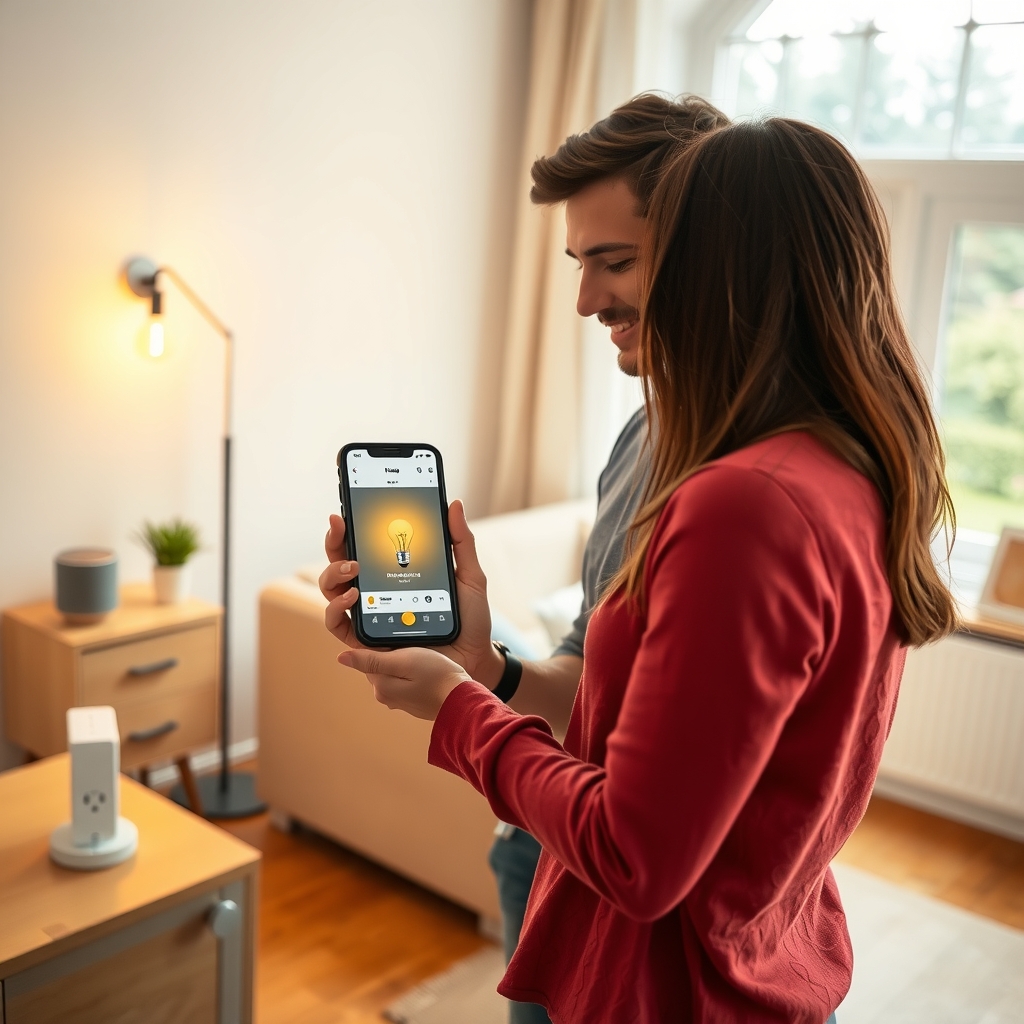
A smart home for beginners is not an expensive renovation but a handful of well-chosen devices that solve a real everyday problem. The best approach is to start with one or two devices – a smart plug and a smart bulb, for example – pick one ecosystem (Google Home, Amazon Alexa or Apple Home) and buy products carrying the Matter logo, so you can expand later without replacing anything.
What a smart home is (and what it isn’t)
A smart home is a flat or house where devices – lights, heating, sockets, sensors, cameras – can be controlled from your phone, by voice or by automatic rules. A rule can be simple: when your morning alarm goes off, the kitchen light comes on; when everyone leaves, all the lights switch off.
A smart home does not have to be a system costing thousands with a screen in every room. Complete setups with alarms, motorised blinds and professional programming really do cost several thousand euros, but a basic system with a few bulbs, plugs and a thermostat costs a few hundred. To get started, a single smart plug is enough – in Slovenian shops one costs around 20 euros.
Your first devices: where to start
The most common beginner mistake is buying a pile of devices from different brands, each with its own app. It is better to build up gradually, starting with devices you simply plug into an existing socket or screw into an existing light fitting – no electrician needed.
- Smart plug – switch an appliance on and off remotely or on a schedule; many models also measure electricity use.
- Smart bulb – dimming, light colour and automatic switch-on at sunset.
- Door/window sensor and motion sensor – an alert if a window is left open, or a hallway light that turns on by itself.
- Smart thermostat or smart radiator valve – heating on a schedule and a lower temperature when nobody is home.
- Smart speaker – voice control, which older family members and children often find easier than an app.
| Device | Most useful for | What to check |
|---|---|---|
| Smart plug | Water heater, space heater, holiday lights, measuring consumption | Maximum load (A/W) and whether it measures energy use |
| Smart bulb | Comfort, night light, simulating presence | Socket type (E27/E14/GU10); the wall switch must stay on |
| Sensors | Security, reminders, automatic lighting | Often need a hub (Zigbee or Thread) |
| Thermostat | Scheduled and remote heating | Compatibility with your boiler, heat pump or underfloor heating |
Wi-Fi, Zigbee, Thread and Matter: what the labels on the box mean
The abbreviations are what confuses most buyers. They simply describe how devices talk to each other and to your phone.
Wi-Fi
The device connects straight to your home router, so no hub is needed. It is the easiest choice for a few devices, but it uses more power and many devices can strain your network. Most smart devices use the 2.4 GHz band, so check that your router broadcasts it.
Zigbee and Z-Wave
Low-power protocols used mainly by sensors and bulbs. The devices form a mesh and extend each other’s range, but you need a hub (or bridge) to connect them to the internet.
Thread and Matter
Matter is a shared standard developed under the Connectivity Standards Alliance by Apple, Google, Amazon and many other companies; version 1.0 was released in October 2022. A Matter device works with all the major ecosystems, can be controlled locally without the cloud, and can be added to several apps at once. Matter runs over Wi-Fi, Ethernet or Thread – a low-power mesh protocol that needs a Thread border router, which is often built into newer smart speakers and hubs.
Beginner’s tip: if you are buying today, prefer devices with the Matter logo. That way your choice of ecosystem won’t lock you in for good.
One app, a hub or Home Assistant?
Once you have more than five or six devices, where you control them starts to matter. Broadly, there are three options:
- The ecosystem app (Google Home, Alexa, Apple Home) – the simplest route and right for most households.
- A manufacturer’s hub – needed for a given brand’s Zigbee devices; it also allows rules that run without the internet.
- Home Assistant – free, open-source software running on a small home computer. It connects almost every brand and runs locally, but it takes some technical know-how. It is the natural next step once a basic system starts to hold you back.
If you are building or fully renovating, also consider a wired system (such as KNX) or at least extra conduits and a neutral wire in the switch boxes. Wired systems are more reliable but more expensive and must be planned together with the electrical installation, so talk to your electrician before the walls are plastered.
Security and privacy: five rules not to skip
Every smart device is a small computer on your network. Slovenia’s Government Information Security Office, in its advice on the Internet of Things, recommends among other things:
- change the default username and password immediately and use a different password for each device,
- install security updates for devices and apps regularly,
- turn on two-factor authentication wherever possible,
- put smart devices on a separate network in your router (a guest network, for example),
- check before buying whether the device has known vulnerabilities.
With cameras and video doorbells, also make sure they do not record public spaces or a neighbour’s garden – in the EU, video surveillance has to respect data protection rules (GDPR).
Frequently asked questions
How much does a beginner smart home cost?
You can start with a single smart plug for around 20 euros. A basic system with bulbs, plugs, a few sensors and a thermostat costs a few hundred euros, while complete, professionally installed systems run to several thousand.
Does a smart home work without the internet?
Partly. Zigbee, Thread and Matter devices can keep working without the internet through a local hub, but remote control and voice assistants generally need a connection.
Do I need an electrician for a smart home?
Not for plugs, bulbs, sensors or most radiator valves. You do need one for smart switches and relays in wall boxes, for motorised blinds and for wired systems.
Which system is best for beginners?
The one you already use: Apple Home feels most natural with an iPhone, Google Home with Android. Whatever you choose, buy Matter devices to stay flexible.